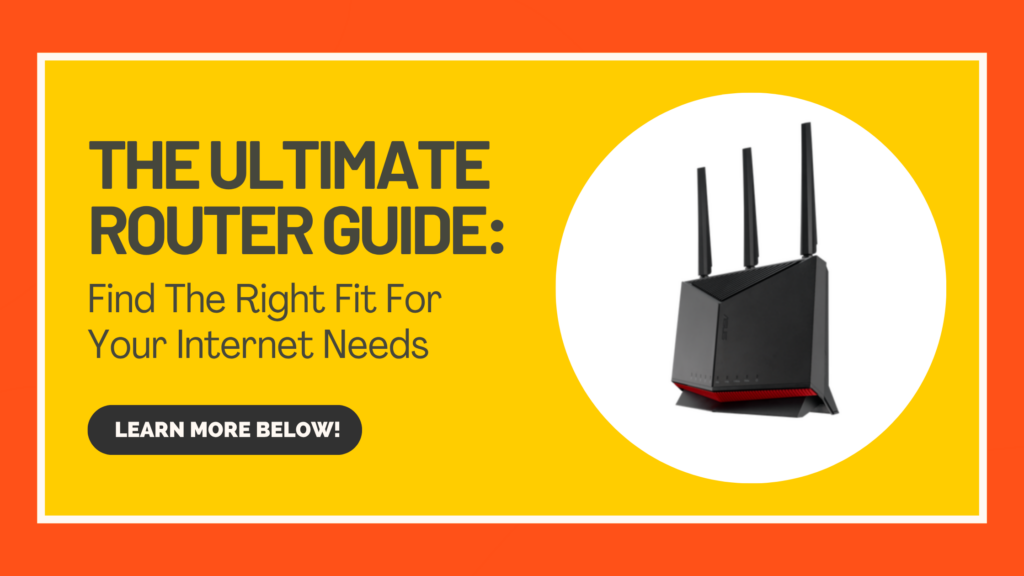
Your fiber connection is only as good as the network you build around it. With Yellowstone Fiber, you have access to some of the fastest internet speeds available. But choosing the right router can help make sure you’re getting the most out of your fiber connection.
We understand that finding a router can feel like an overwhelming task, there’s a lot of options out there. But don’t worry, we are here to make that process easier. One of the most important things to consider when shopping for a router is whether it can support the speed of your Yellowstone Fiber connection. A router with only a 1 Gig Ethernet port, for example, won’t be able to take full advantage of a 2.5 Gig or 10 Gig connection. With this in mind, here is a guide that you can use to find the right router for you.
Note: Router prices are provided as a reference and may change. Please check the manufacturer’s website for current pricing, availability, and product specifications before purchasing.
ROUTERS FOR 250 MBPS
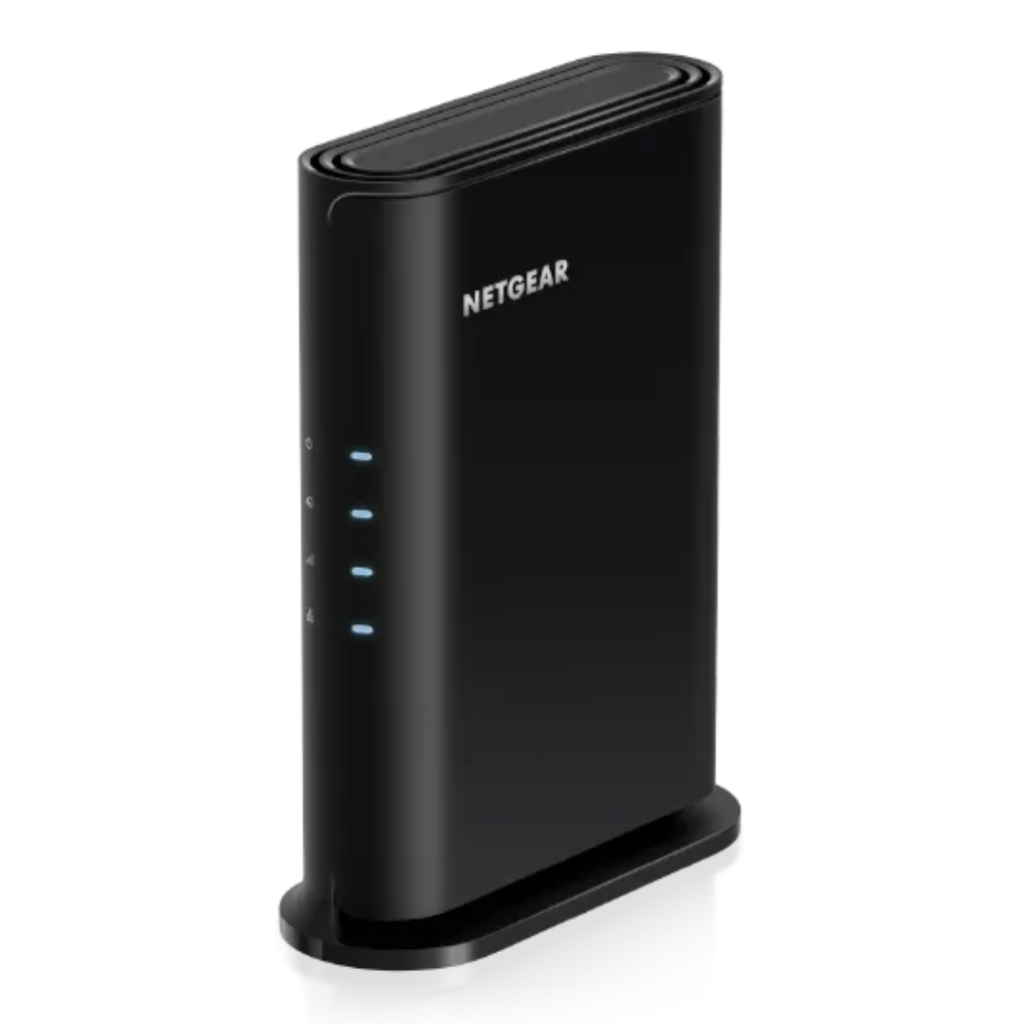
NETGEAR RAX5
Here are its stats:
Brand: NETGEAR Number of Ports: 4 Frequency Band Class: Dual-Band Connectivity Technology: Wi-Fi 6 Price: $79.99 Check it out here!
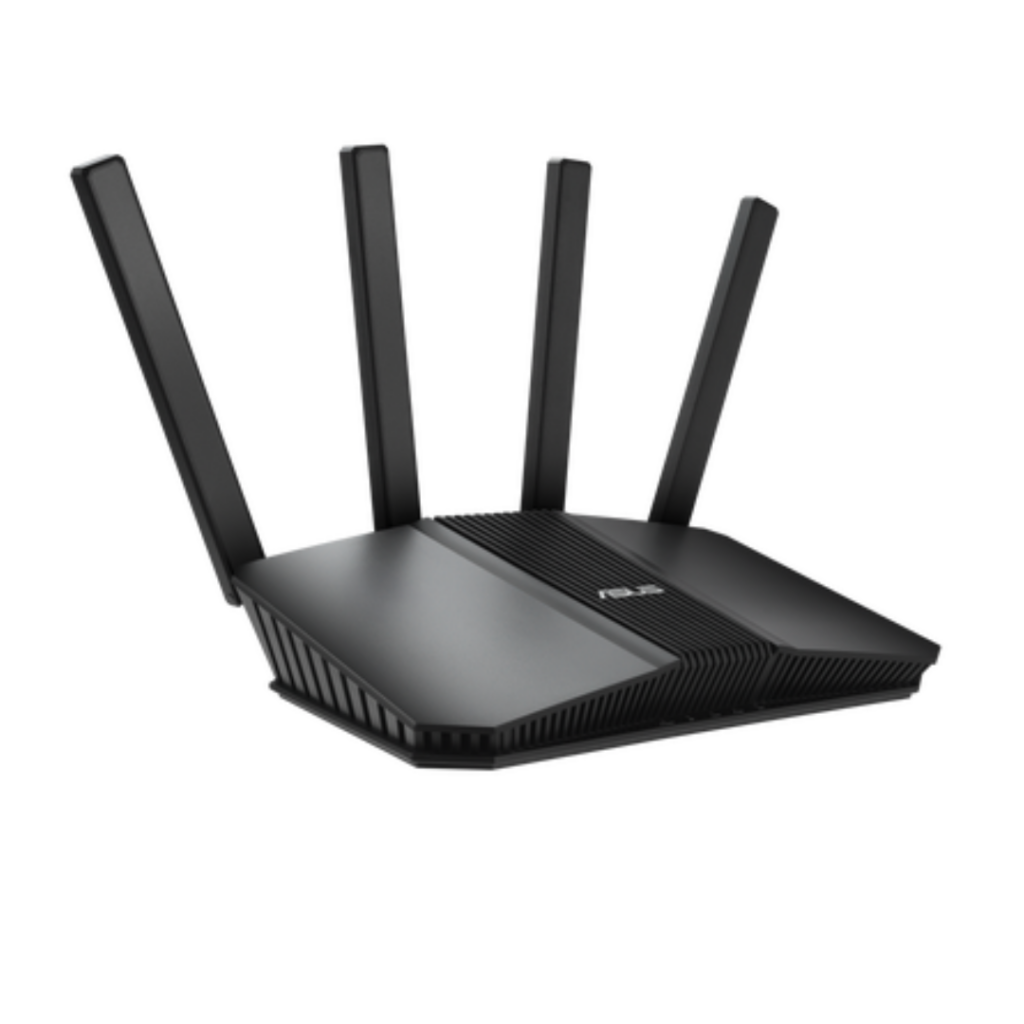
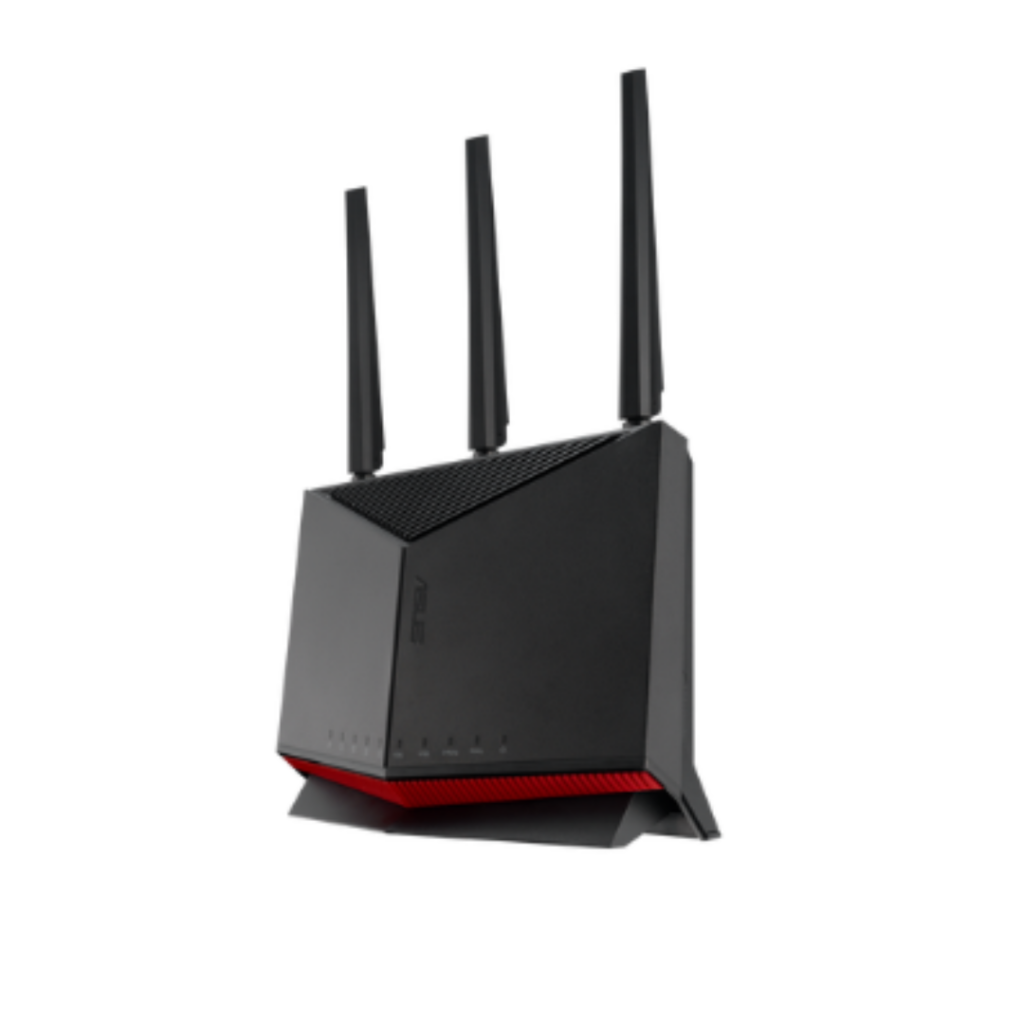
ASUS RT-BE58U
Here are its stats:
Brand: ASUS Number of Ports: 4 Frequency Band Class: Dual-Band Connectivity Technology: Wi-Fi 7 Price: $149.99 Check it out here!
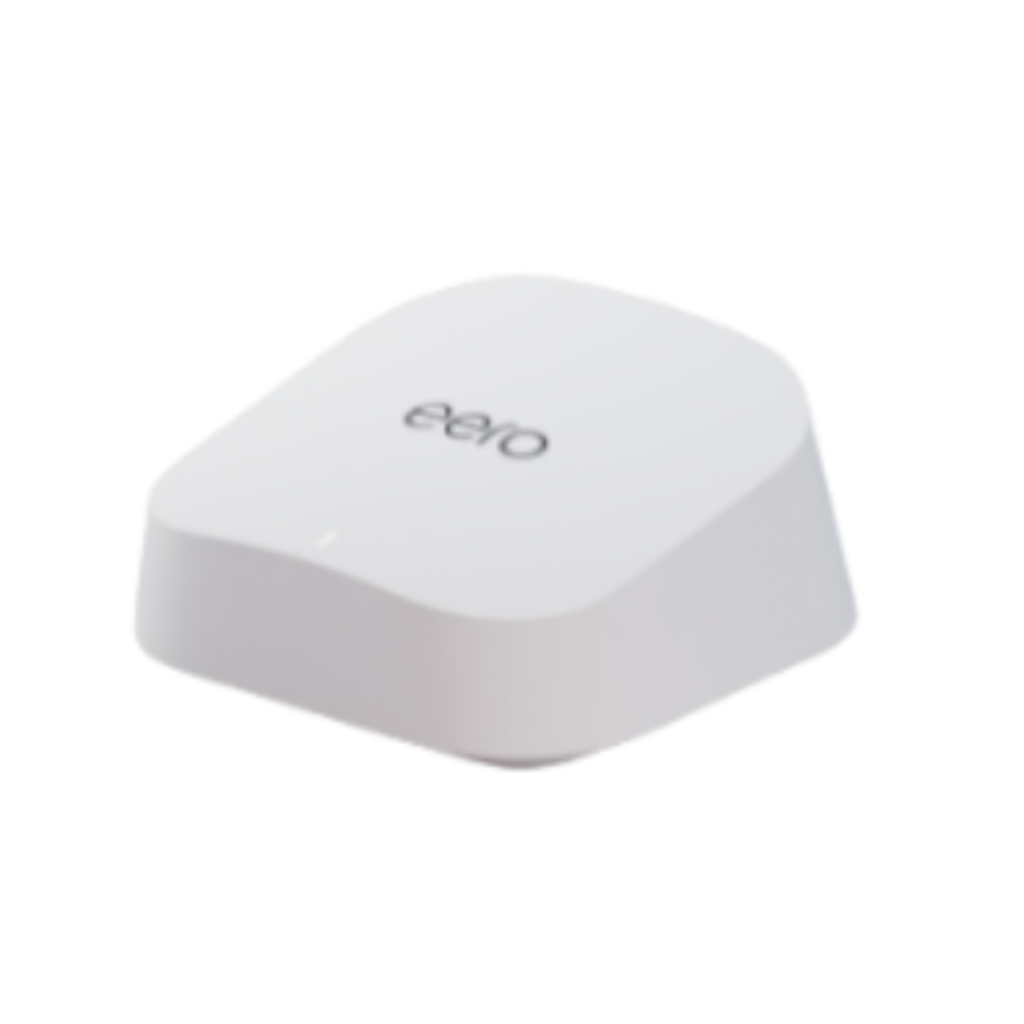
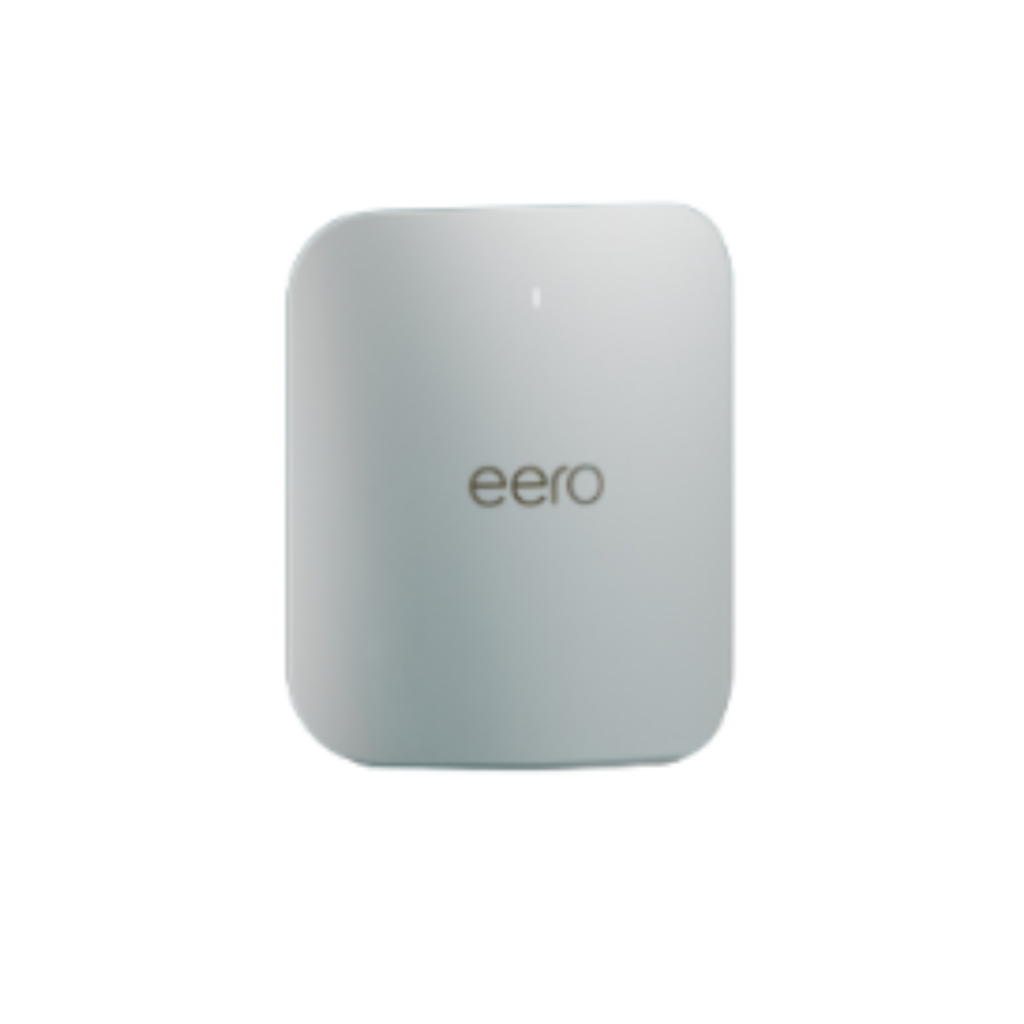
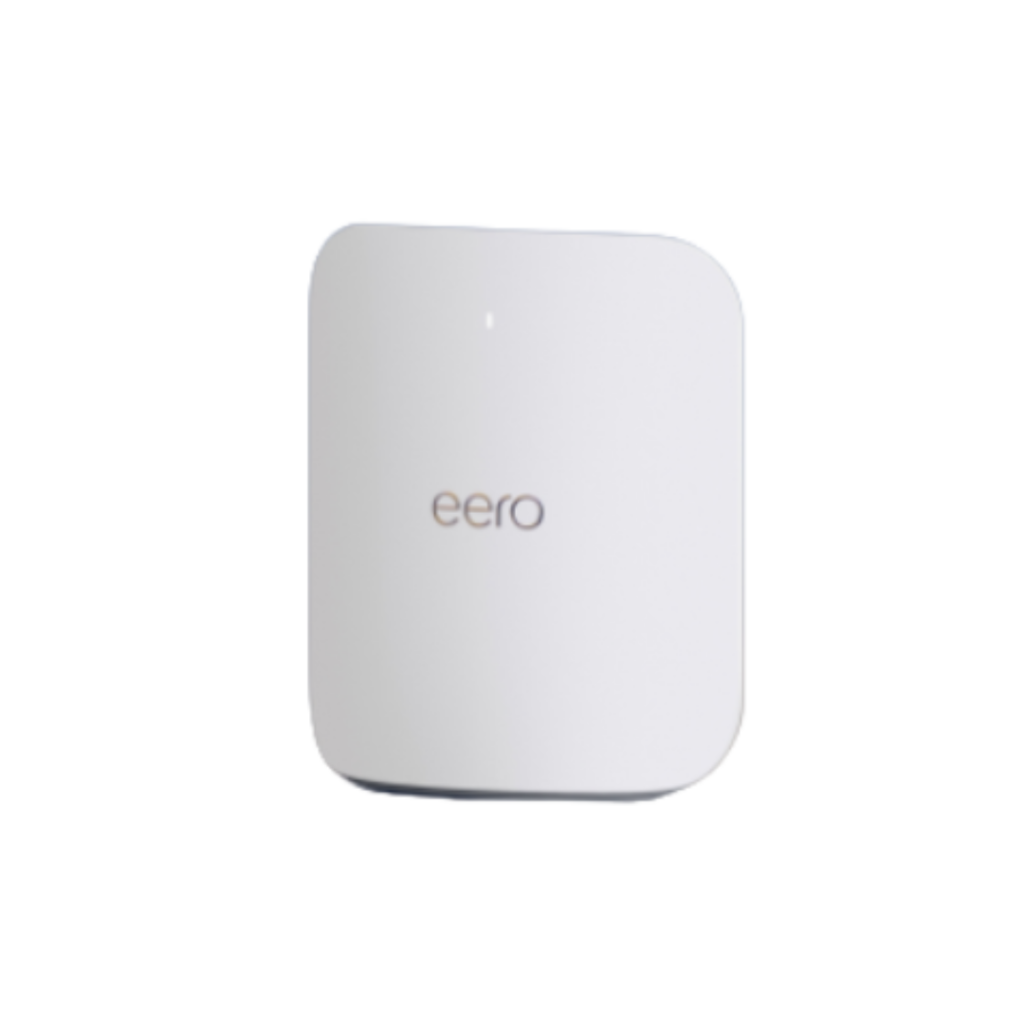
eero 7
Here are its stats:
Brand: eero Number of Ports: 2 Frequency Band Class: Dual-Band Connectivity Technology: Wi-Fi 7 Price: $169.99 Check it out here!
Routers For 2.5 Gbps
ASUS RT-BE58U
Here are its stats:
Brand: ASUS Number of Ports: 4 Frequency Band Class: Dual-Band Connectivity Technology: Wi-Fi 7 Price: $149.99
Now that you’ve got your router picked out, let’s go over some router tips and tricks that you can use to elevate your home setup:
Restart your router: Unplug it for about a minute, then plug it back in to clear up common connection issues.
Consider an upgrade: If you’re still running into Wi-Fi dead zones, a newer router or Wi-Fi extender could help give your coverage a boost.
Reduce congestion: Help your Wi-Fi run more smoothly by closing apps you’re not using and disconnecting devices you don’t need online.
Reboot regularly: When in doubt, try turning it off and on again! An occasional restart can help clear up minor issues and keep your router running smoothly.
Your Yellowstone Fiber connection gives you the speed and having the right router helps you put that speed to work. Together, you’ll have unmatched speeds and the reliable home network that dreams are made of.